 Skip to main content
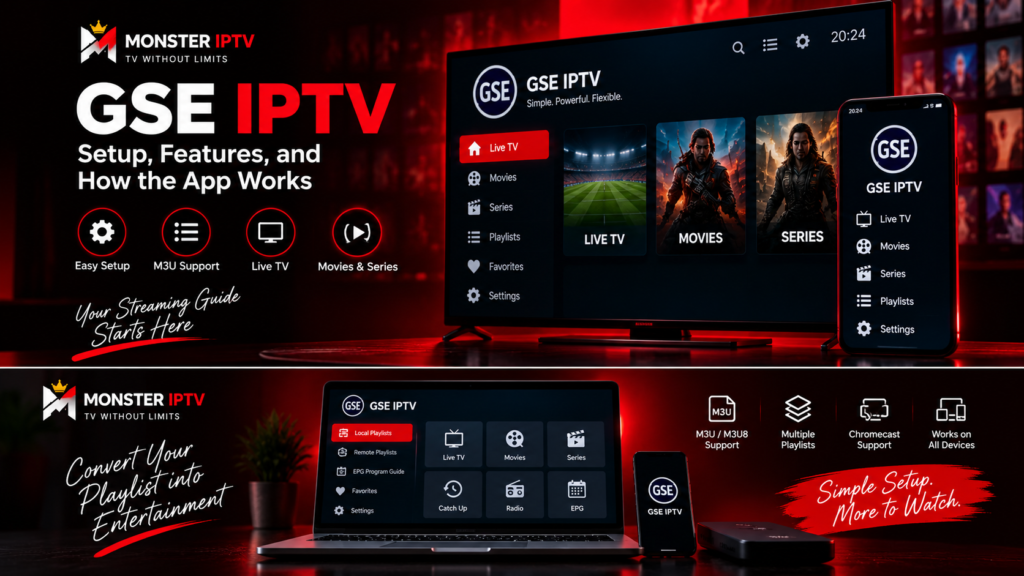
GSE IPTV is an IPTV player that lets users load their own playlists and streaming credentials into a compatible device. It does not automatically provide Swedish channels, live TV, sports, movies, or an IPTV subscription. Instead, the app acts as the player between your device and the streaming source you add.
One important point is that several apps now use very similar GSE names. This guide focuses mainly on GSE SMART IPTV PRO by droidvision, which is associated with the official GSE Smart IPTV website. Current listings show support across Android and Apple platforms, although features can differ between versions and devices.
What Is GSE Smart IPTV?
GSE Smart IPTV is a media player designed for live and non-live internet streams.
The official Android listing for GSE SMART IPTV PRO states that users must provide their own content and that the app does not include IPTV playlists apart from sample material. The same listing currently supports technologies such as M3U content, Xtream Codes API, XMLTV EPG, Chromecast, subtitles, and multiple streaming formats.
This means an ordinary setup has several separate parts:
- GSE Smart IPTV as the player
- an M3U playlist or compatible account details
- the actual streams
- EPG data where available
- a working internet connection
If your playlist stops working, reinstalling GSE will not necessarily solve the problem because the player and the content source are separate components.
GSE IPTV Setup: How to Add Your IPTV
The exact interface can differ between Android, iPhone, iPad, Apple TV, and app versions, but the general setup is similar.
1. Install the Correct GSE App
Search the official app store for your device.
Because there are multiple applications using “GSE IPTV” or similar wording, check the developer name and supported features before installing.
The official GSE Smart IPTV website currently describes its software as a cross-platform IPTV solution covering iOS, Apple TV, Android, and macOS.
For users in Sweden, GSE SMART IPTV PRO by droidvision is currently listed in the Swedish App Store for iPhone and iPad, while a separate edition is listed for Apple TV.
2. Add an M3U Playlist
If your IPTV setup uses an M3U URL, open the playlist management section and choose the option for adding a remote playlist.
You will generally need:
- a playlist name
- the complete M3U URL
Save the information and allow the app to retrieve the playlist.
GSE’s App Store description confirms support for both local and remote M3U playlists, including playlist management through its interface.
Keep private playlist URLs confidential because they may contain account credentials or access information.
3. Add Xtream-Style Credentials
GSE SMART IPTV PRO also currently lists support for the Xtream Codes API.
A compatible configuration may ask for:
- server URL
- username
- password
- a name for the connection
Enter the information exactly as supplied. A missing character or incorrect server address can prevent channels from loading.
For broader device setup information, use the Monster IPTV installation guides to compare the setup process with other IPTV players.

What Features Does GSE Smart IPTV Support?
The exact feature set depends on the specific GSE application and platform, which is another reason to verify the app before installing it.
The current GSE SMART IPTV PRO Android listing includes:
- Xtream Codes API
- Chromecast
- XMLTV EPG
- M3U playlist handling
- parental controls
- automatic stream reconnection
- subtitle support
- multiple interface languages, including Swedish
- support for various network streaming formats
The current iPhone and iPad version from droidvision additionally lists features such as live TV recording, AirPlay full-screen external display support, Chromecast, EPG timeline, playlist management, and M3U parsing.
Do not assume every feature works identically on Android, iPhone, iPad, Mac, and Apple TV. Platform restrictions and app versions can produce different functionality.
Can You Cast GSE IPTV to a TV?
Yes, GSE Smart IPTV can support casting on compatible versions.
The Android version of GSE SMART IPTV PRO currently lists Chromecast support. The iPhone and iPad App Store version from droidvision lists both Chromecast and AirPlay external display support.
A typical Chromecast setup involves:
- Connect your phone or tablet and Chromecast-compatible device to the appropriate home network.
- Open GSE Smart IPTV.
- Start a compatible stream.
- Look for the casting control.
- Select the available Chromecast device.
For Apple users, AirPlay can provide another method of sending compatible video to an Apple TV or supported television.
Casting availability can depend on the specific GSE version, operating system, stream format, and receiving device. If no casting icon appears, verify that your particular app version actually supports the feature.
How Does EPG Work in GSE IPTV?
GSE SMART IPTV PRO supports XMLTV EPG data according to its current Android listing. It supports both local and remote EPG sources, including XML-based guide information.
EPG stands for Electronic Program Guide. It can display information such as:
- current programme
- upcoming programme
- start and finish times
- channel schedule
- programme information when supplied
The EPG is separate from the video stream.
This means you can have channels that play correctly but display no programme information. If that happens, check the EPG source and channel matching rather than changing your internet settings.
In M3U-based configurations, identifiers such as tvg-id can help match playlist channels with the correct XMLTV programme entries.
How Do I Find the MAC Address on GSE IPTV?
This question often comes from users who have previously configured a MAG box, Smart TV portal, or another MAC-based IPTV system.
For the normal GSE SMART IPTV setup methods described in its official listings, you generally add an M3U playlist or Xtream-style credentials rather than registering a MAC address.
If a service specifically asks for a MAC address, first confirm which device and connection method it expects. Do not enter a random address from the GSE interface.
The MAC address belongs to a network interface on your device. Its location therefore depends on whether you are using Android, iPhone, Apple TV, or another platform. Check the network or device information settings provided by the operating system or hardware manufacturer.
Also be aware that some modern devices can use privacy features that change the Wi-Fi address presented to individual networks. If MAC registration is genuinely required, confirm with the service which address it expects.
For general account and configuration questions, consult the Monster IPTV FAQ before changing device identifiers or advanced network settings.
Why Is GSE IPTV Not Working?
If GSE does not load or play your IPTV streams, troubleshoot one component at a time.
Playlist Does Not Load
Check that the complete M3U URL was entered correctly. If you are using account credentials, confirm the server URL, username, and password.
Channels Appear but Do Not Play
Test several channels. If only one stream fails, the problem may be with that specific stream rather than GSE.
If everything fails, check the internet connection and try the same credentials in another compatible player.
EPG Is Missing
Refresh the guide data and confirm that the XMLTV source is configured correctly. Missing EPG information does not necessarily mean the live stream is broken.
Casting Does Not Work
Confirm that your particular GSE version supports Chromecast or AirPlay and that the receiving device is available on the network.
Streaming Buffers
Buffering can result from Wi-Fi instability, home-network congestion, the original stream, internet routing, or device limitations.
GSE’s Android listing includes automatic live-stream reconnection, but no player can guarantee that every network or source-side interruption will disappear.
Is GSE IPTV the Same as an IPTV Subscription?
No.
GSE is a player. The official GSE SMART IPTV PRO description explicitly states that the app does not provide media or IPTV content and that users must supply their own content.
This distinction is important when choosing an app in Sweden.
Installing the player does not automatically provide:
- Swedish TV channels
- Nordic channels
- sports packages
- movies
- series
- an IPTV subscription
You need a separate authorized content source that uses a format supported by the application.
FAQ
What is GSE IPTV?
GSE IPTV generally refers to an IPTV player used to load and play user-supplied streaming sources. GSE SMART IPTV PRO supports formats and features such as M3U, Xtream Codes API and XMLTV EPG on supported platforms.
Can you cast GSE IPTV?
Yes. The current GSE SMART IPTV PRO Android listing supports Chromecast, while the droidvision iPhone and iPad listing supports Chromecast and AirPlay.
Does GSE Smart IPTV provide channels?
No. The official application listing states that users must provide their own content and playlists.
Does GSE IPTV support M3U?
Yes. GSE SMART IPTV PRO currently supports M3U playlists, including remote playlist management.
Do I need a MAC address for GSE IPTV?
Usually not for standard M3U or Xtream-style setup. If a provider specifically requests a MAC address, verify whether it is asking for a different portal or device-based configuration.
Conclusion
GSE IPTV is primarily a flexible IPTV player rather than a source of television channels. GSE SMART IPTV PRO supports features such as M3U playlists, Xtream-style connections, XMLTV EPG, casting, and multiple platforms, although the exact options differ between devices and app versions. Before setup, verify that you have installed the correct GSE application and that it supports the credentials supplied for your viewing device. For additional IPTV setup guidance and service information for users in Sweden, visit Monster IPTV.
