 Skip to main content

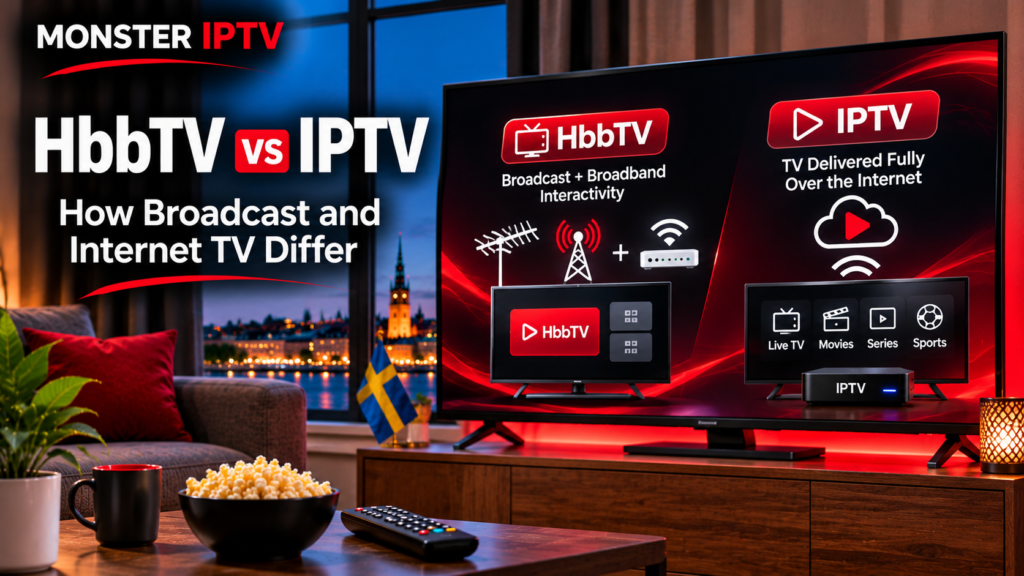
HbbTV and IPTV both use internet technology, but they are not the same thing. HbbTV, or Hybrid Broadcast Broadband TV, combines traditional television broadcasting with broadband-based interactive services, while IPTV delivers television channels and video primarily through an IP network.
For viewers in Sweden, the difference matters because a Smart TV may support HbbTV features from a broadcaster while also running separate IPTV apps. One technology can enhance an ordinary broadcast channel, while the other can be the main method used to deliver the television service itself.
This guide explains how HbbTV works, how IPTV differs, and where the two technologies can overlap.
What Is HbbTV?
HbbTV stands for Hybrid Broadcast Broadband Television.
The HbbTV Association describes it as an open standard that combines broadcast television with broadband services on compatible connected TVs and set-top boxes.
In a traditional hybrid setup, the television can receive two types of information:
- a linear TV broadcast through terrestrial, cable, or satellite infrastructure
- additional data and services through the internet
The broadcast channel remains the starting point, while broadband can add interactive features around it.
Examples of HbbTV applications include:
- catch-up TV
- replay and start-over functions
- electronic programme guides
- extra programme information
- interactive services
- additional video
- accessibility features
- news and sports information
- targeted advertising
HbbTV applications have historically been associated with coloured remote-control buttons, particularly the familiar “red button” concept.
How HbbTV Works
A compatible television can receive signalling alongside a broadcast channel telling it that an HbbTV application is available.
The TV then launches or offers access to that application. Depending on the broadcaster and service, the application itself may retrieve additional information or video through the broadband connection.
This creates the “hybrid” part of HbbTV.
For example, you might be watching a conventional live television broadcast while your internet connection provides:
- a programme menu
- additional video clips
- accessibility functions
- catch-up content
- interactive information
The two delivery systems can work together without requiring the viewer to think about them separately.
HbbTV in Sweden
HbbTV is not just a theoretical European broadcasting standard. It is used in Sweden.
SVT currently explains that SVT1, SVT2, SVT Barn and SVT24 have an HbbTV service that can provide sign-language interpretation when it is available for the programme being broadcast. The service is activated through a compatible television and uses the remote control. SVT states that its implementation requires compatible HbbTV support and the relevant signal to reach the television.
SVT also notes that whether the HbbTV signalling reaches the viewer can depend on the distribution operator.
That illustrates an important point: having a Smart TV connected to the internet does not automatically mean every HbbTV service will work.
The broadcaster, distribution network, TV model, HbbTV version, and internet connection can all matter.
What Is IPTV?
IPTV stands for Internet Protocol Television.
Instead of using broadband mainly to enhance a broadcast service, IPTV can use IP networks to deliver the television stream itself.
With IPTV, live channels, movies, series, EPG information, and other media can be delivered through a broadband connection.
Depending on the service, IPTV may be accessed through:
- a dedicated operator box
- Smart TV software
- an Android TV device
- Apple TV
- Fire TV
- a computer
- smartphone or tablet
- an IPTV player
Monster IPTV provides separate installation guides covering several common IPTV applications and device types.
HbbTV vs IPTV: The Main Difference
The simplest distinction is the role played by the internet connection.
| Feature | HbbTV | IPTV |
|---|---|---|
| Main concept | Combines broadcast and broadband | Delivers TV through IP |
| Traditional broadcast required | Commonly used with broadcast TV | Not necessarily |
| Internet use | Adds applications and broadband content | Often carries the main TV streams |
| Typical access | Built into compatible televisions | App, box, operator platform, or player |
| Live TV source | Often terrestrial, cable, satellite, or hybrid | IP network |
| Interactive features | Core part of the standard | Depends on service and application |
| Playlist required | Normally no | Can be used by some IPTV systems |
| M3U support | Not the defining feature | Common in some IPTV services |
The distinction is not absolute because modern television standards increasingly overlap.
Can HbbTV Work With IPTV?
Yes.
HbbTV and IPTV are not mutually exclusive technologies.
The HbbTV Association has a dedicated IPTV specification defining how HbbTV-capable terminals can work with television delivered through IP networks. The specification covers both pure IP devices and hybrid devices receiving channels from a combination of IP and traditional DVB broadcast networks. (hbbtv.org)
This means HbbTV should not be described simply as “broadcast TV that uses a little internet.”
Modern implementations can be much more flexible.
A hybrid television platform could theoretically combine:
- DVB terrestrial television
- cable or satellite channels
- IP-delivered channels
- broadband catch-up services
- interactive applications
The viewer may experience all of these through a single television interface.

Does HbbTV Need an Internet Connection?
It depends on the function.
Traditional HbbTV architecture allows some application information to be associated with the broadcast signal itself, but many features rely on broadband connectivity.
For normal consumers, connecting a compatible Smart TV to the internet is generally necessary if they want to use broadband-delivered video, catch-up content, or interactive online services.
SVT’s current Swedish HbbTV information, for example, states that an internet-connected television is part of the requirements for its service.
If HbbTV functionality is missing, check:
- whether the television supports HbbTV
- whether HbbTV is enabled in the TV settings
- whether the television is connected to the internet
- whether the broadcaster provides an HbbTV application
- whether your operator passes the relevant signalling
- whether the TV model supports the required version
Is HbbTV an App?
Not in the same sense as downloading a conventional IPTV player.
HbbTV is a television technology and technical standard implemented by compatible television manufacturers, broadcasters, and platform operators.
The interactive service you see may look and behave like an app, but the underlying HbbTV environment is normally built into the television or receiver.
You therefore generally do not search an app store for “HbbTV” and install the entire technology yourself.
If your TV does not support the required HbbTV standard, installing an unrelated IPTV app does not add native HbbTV compatibility.
HbbTV 2.0.5 and Modern Connected TVs
HbbTV continues to evolve.
The latest core specification is HbbTV 2.0.5, formally published by ETSI in September 2026. The HbbTV Association says the update expands and formalises areas including DRM integration, WebAssembly, web security, DVB-I integration, and support for newer technical capabilities. (HbbTV Developer Guide)
This does not mean that every television currently sold or already installed in Swedish homes supports every HbbTV 2.0.5 feature.
Television support depends on the manufacturer, model, year, firmware, and the broadcaster’s implementation.
For consumers, compatibility should always be checked at device level rather than assumed from the presence of a Smart TV platform.
HbbTV vs Streaming Apps
HbbTV should also be distinguished from ordinary streaming apps.
A service such as a broadcaster’s standalone video app is usually launched directly from the Smart TV’s application menu.
An HbbTV service can instead be connected to the television channel itself.
For example:
- You tune to a broadcast channel.
- The TV detects HbbTV signalling.
- An interactive option appears.
- You press a remote-control button.
- Broadband content or another interactive feature opens.
That connection between the linear television service and the broadband application is central to the HbbTV concept.
HbbTV vs an IPTV Player
An IPTV player serves a different purpose.
Players may accept credentials or data formats such as:
- M3U playlists
- Xtream-based login information
- portal connections
- EPG URLs
The player then organizes and plays the television service provided through those credentials.
HbbTV normally does not require a viewer to manually import an M3U playlist just to access a broadcaster’s interactive service.
If you are working with an IPTV subscription rather than a broadcaster’s HbbTV implementation, Monster IPTV’s FAQ and device setup resources are more relevant.
Which Technology Is Better?
HbbTV and IPTV solve different problems, so there is no universal winner.
HbbTV is useful when broadcasters want to combine conventional television delivery with internet-based features.
IPTV is useful when television itself is being delivered through IP infrastructure and accessed through an operator platform or compatible application.
A household in Sweden could use both technologies without any conflict.
For example, the same television might receive an HbbTV-enhanced SVT broadcast and also have an IPTV application installed for a separate internet TV service.
FAQ
What does HbbTV mean?
HbbTV means Hybrid Broadcast Broadband Television. It is an open standard that combines television broadcasting with broadband-based interactive services.
Is HbbTV the same as IPTV?
No. HbbTV traditionally combines a broadcast service with broadband features, while IPTV uses IP networks to deliver television services. However, HbbTV standards can also support IPTV environments.
Does HbbTV work in Sweden?
Yes. SVT currently uses HbbTV for certain accessibility functionality on selected channels, subject to compatible equipment and distribution conditions.
Do I need an antenna for HbbTV?
Not necessarily in every implementation. Traditional HbbTV commonly works alongside DVB terrestrial, cable, or satellite broadcasts, but HbbTV specifications also support IP-only and hybrid IPTV terminals.
Can HbbTV use M3U playlists?
M3U playlists are associated more commonly with IPTV players. They are not the normal consumer setup method for broadcaster-provided HbbTV services.
Does every Smart TV support HbbTV?
No. Support varies by television manufacturer, model, software version, country configuration, and HbbTV version. Check the specifications for your exact television.
Conclusion
HbbTV and IPTV both connect television with internet technology, but they approach delivery differently. HbbTV was designed to combine broadcast television with broadband applications, while IPTV can deliver the television service itself through IP networks. Modern standards increasingly allow the two technologies to overlap, which is why the distinction is more about architecture than simply “broadcast versus internet.” If you are exploring internet-delivered television and device setup options in Sweden, you can also review Monster IPTV.
