 Skip to main content
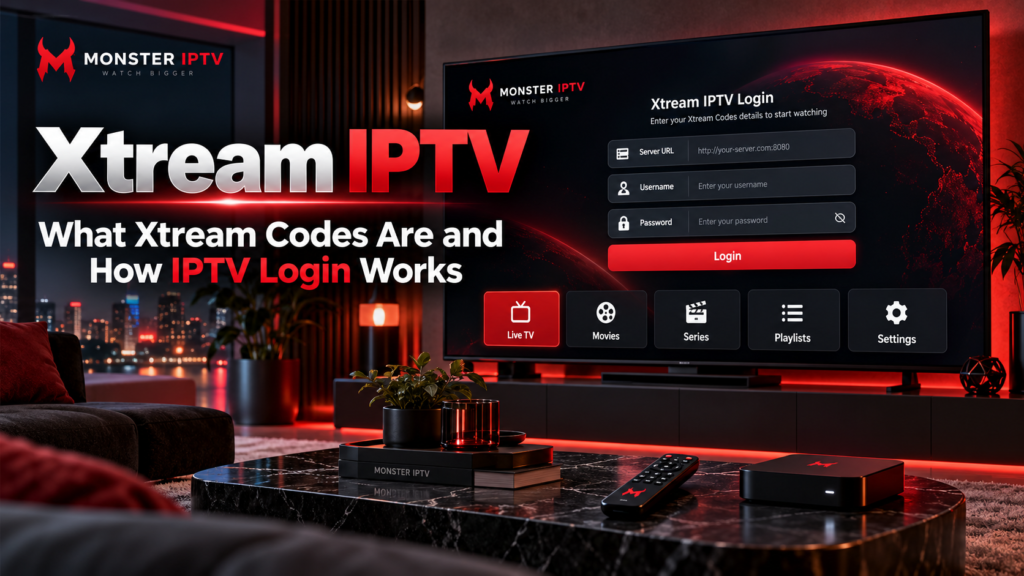
Xtream IPTV usually refers to using an Xtream Codes or Xtream-style login to connect an IPTV player to a compatible television service. Instead of entering a long M3U playlist URL, you normally enter three details: a server address, username, and password.
The IPTV player then communicates with the server, authenticates the account, and retrieves the content information associated with that login, such as live TV categories, movies, series, and EPG data when those features are supplied.
An Xtream login is only a connection method. It does not itself provide channels or determine whether a particular IPTV service is authorized.
What Is Xtream IPTV?
The term can be confusing because “Xtream” appears in several different contexts.
Xtream Codes originally referred to IPTV panel software with an API that allowed media players to request account and content information. Today, many applications use the term Xtream Codes API, Xtream API, or Xtream-style login for a compatible account format.
Technical documentation for the Xtream Codes API shows that player authentication uses a username and password and can return information about live channels, video-on-demand content, series, and EPG data. GitHub
It is important to separate three things:
- Xtream-style login: The connection method
- IPTV player: The application displaying the streams
- IPTV service: The source providing the account and content
Installing an app with “Xtream” in its name does not automatically provide Swedish channels or any other television content.
How Does an Xtream Codes Login Work?
An Xtream IPTV login usually consists of:
- Server or portal URL
- Username
- Password
The server URL tells the application where to connect. The username and password identify the account.
After you enter these details, a compatible player sends an authentication request to the server. If the account is accepted, the player can retrieve the categories and streams assigned to that account.
The underlying API can expose separate information for live television, movies, series, EPG schedules, and account status. GitHub
For the viewer, this happens automatically. You normally enter the three login fields once and allow the IPTV app to build its interface.
Xtream Codes Login vs M3U Playlist
Xtream and M3U are two common ways of connecting an IPTV player to content.
| Feature | Xtream-style login | M3U playlist |
|---|---|---|
| Information entered | Server, username, password | Playlist URL or file |
| Channel organization | Retrieved through compatible API | Defined by playlist |
| Movies and series | Can be separated automatically | Depends on playlist structure |
| EPG | May be integrated through the API | May require XMLTV or playlist data |
| Setup | Usually three account fields | Usually one long URL |
| Player support | Requires Xtream compatibility | Requires M3U support |
Neither method automatically provides better picture quality.
Streaming quality depends on the actual source, video bitrate, encoding, network connection, and playback device.
If your authorized content source gives you Xtream credentials, select the Xtream option in your player. If it gives you an M3U URL, use a compatible playlist option instead.
For a broader comparison of formats and players, see the IPTV app guide.
How to Set Up Xtream IPTV
The exact wording varies between applications, but the basic process is similar.
1. Install a Compatible IPTV Player
Start with an application that explicitly supports Xtream-style accounts.
Depending on the player, you may see menu options such as:
- Xtream Codes API
- Xtream Codes Login
- Xtream Login
- Add Xtream Account
- Login with Xtream Codes API
Check compatibility with your exact Smart TV, Android TV, Firestick, iPhone, Apple TV, or other device before installing the app.
The Monster IPTV installation section contains device and player-specific setup information.
2. Enter a Playlist Name
Many players ask you to create a name for the account.
This is only a label displayed inside the application. You can use something simple that helps you recognize the connection.
3. Enter the Server Address
Copy the server URL exactly as supplied.
Do not remove the protocol, port, or other required parts of the address.
For example, if a server requires https://, replacing it with http:// can prevent the connection from working.
4. Enter Username and Password
Copy the credentials carefully.
Passwords can be case-sensitive, and extra spaces can cause login errors.
Do not publish these credentials or share screenshots showing them.
5. Save and Load the Account
Save the configuration.
The player should contact the server and retrieve the content available through that account.
Depending on the service, the interface may then contain sections for live TV, movies, series, favourites, and an EPG.
Are Xtream IPTV Apps All the Same?
No.
The word Xtream appears in the names and descriptions of many independent media players.
For example, the Swedish Google Play listing for IPTV XTREAM-SPELARE by ARAS LABS currently states that it supports both Xtream Codes API accounts and M3U playlists. The developer also states that the app does not supply or host television channels or playlists. Google Play
The Swedish Apple App Store separately lists XTREAM IPTV: TV Player IP Pro by Infisecurity. Its listing says users add their own channels and that the application does not supply content. App Store
These are separate applications from separate developers.
Before installing an app, check:
- developer name
- supported devices
- update history
- privacy information
- in-app purchases
- M3U or Xtream support
- EPG support
- whether it includes a native TV interface
Do not assume two apps are related because they both contain “Xtream IPTV” in the title.

What Does the Player Receive After Login?
A compatible Xtream-style system can provide structured information rather than one flat playlist.
Depending on the account, this may include:
Live TV: Channels grouped into categories.
VOD: Movies supplied by the content source.
Series: Series information and individual episodes.
EPG: Current and upcoming programme information.
Account information: Some players can display whether an account is active or expired.
The API format supports requests for live categories, live streams, VOD categories, series, and EPG information. GitHub
Which of these features actually appears depends on your service and player.
Why Xtream Login Can Be Easier Than M3U
Convenience is one reason many users prefer the Xtream format.
A long M3U URL can contain multiple parameters and credentials, making it awkward to enter with a television remote.
An Xtream login separates the same basic account information into clearer fields.
It can also help compatible players organize live channels, films, and series into separate menus rather than displaying everything in one long playlist.
However, Xtream support is not essential. A well-structured M3U playlist can also work effectively in a suitable player.
Keep Xtream Credentials Private
Your username and password can provide access to your IPTV account.
Treat them similarly to other login information.
Avoid:
- posting credentials on Reddit or forums
- sharing screenshots containing your password
- entering details into unknown playlist converters
- sending credentials to strangers offering remote setup
- saving them on public computers
Also check the privacy information for the IPTV player itself before entering account details.
Google Play and Apple’s App Store provide developer-supplied information about data handling and permissions that can help when comparing apps.
Why Is My Xtream IPTV Login Not Working?
Several problems can produce a login error.
Incorrect Server URL
Check the complete address, including http:// or https:// and any required port.
Wrong Username or Password
Copy the credentials again and check capitalization.
Expired Account
A technically correct login may still fail if the associated account is no longer active.
Player Does Not Support Xtream Login
Some IPTV players accept only M3U playlists.
Check the app’s supported formats before troubleshooting the server.
Server Cannot Be Reached
If the credentials are correct but the player cannot connect, the source server may be unavailable or there may be a network problem.
Try another internet-connected service to confirm that your device itself is online.
For broader troubleshooting questions, see the Monster IPTV FAQ.
Xtream IPTV and Legality in Sweden
Xtream Codes is a technical connection method. Using an Xtream-style login is not, by itself, evidence that a television service is legal or illegal.
The important question is whether the provider has permission to distribute the television channels, sports, films, and other copyrighted material offered through the account.
Sweden’s Patent and Registration Office, PRV, explains that unauthorized streaming services make copyrighted works available without permission from rights holders. PRV
For users in Sweden, check the content source and its distribution rights rather than judging legitimacy from the type of login, player, or playlist format.
FAQ
What is Xtream IPTV?
Xtream IPTV commonly refers to IPTV accessed through an Xtream Codes-compatible login using a server URL, username, and password.
What are Xtream Codes?
Xtream Codes refers to IPTV panel technology and an API structure that compatible players use to authenticate accounts and retrieve channel and content information.
What details do I need for Xtream login?
Most players ask for a server address, username, and password. Some also ask you to create a name for the playlist.
Is Xtream Codes the same as an M3U playlist?
No. They are different connection methods. Xtream login uses structured account credentials, while M3U generally uses a playlist URL or file.
Does an Xtream IPTV app include channels?
Not necessarily. Many IPTV players explicitly state that users must provide their own authorized content source.
Why does my Xtream login say invalid credentials?
Possible causes include an incorrect username or password, a wrong server address, an expired account, or an unavailable server.
Can Xtream login include an EPG?
Yes, compatible systems can supply EPG data, although actual programme information depends on the content source and player.
Conclusion
Xtream IPTV makes it possible for compatible IPTV players to retrieve account and content information through a simple server, username, and password login. Compared with entering a long M3U URL, this can make setup and content organization easier, especially on television devices. Always verify that your player supports the login format, keep credentials private, and use content sources with appropriate distribution rights. For more information about IPTV players, setup, and viewing options in Sweden, visit Monster IPTV.
