 Skip to main content
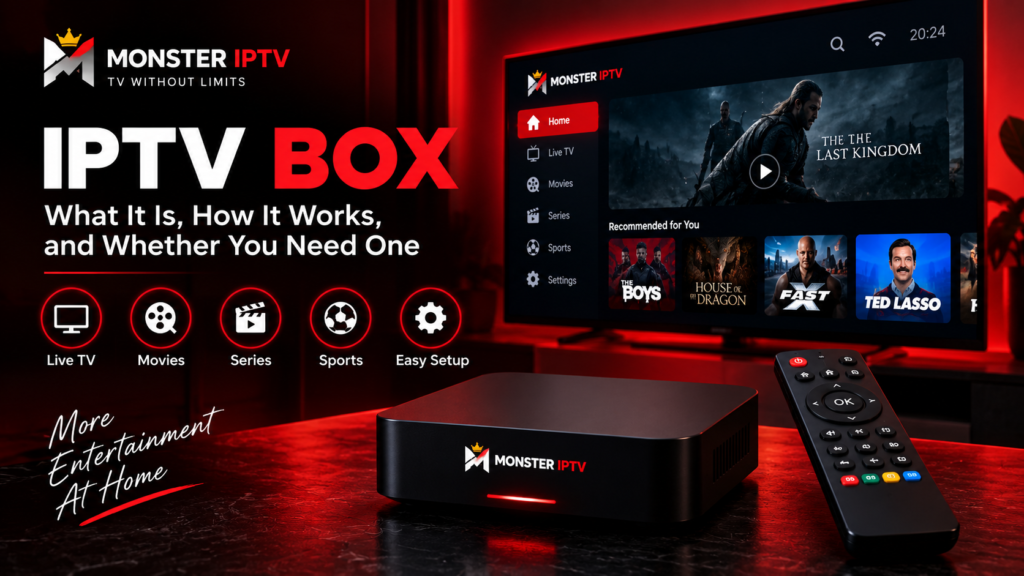
An IPTV box is a streaming device that connects to your television and internet connection, then runs software capable of receiving television and video streams over IP networks. It can be useful for an older TV, for viewers who want a dedicated remote-controlled interface, or when a preferred IPTV player is unavailable directly on a Smart TV.
However, you do not automatically need a separate box for IPTV. Many Smart TVs, phones, tablets, computers, Apple TV devices, and other streaming platforms can run compatible IPTV players directly.
The right choice depends on your television, preferred IPTV app, connection method, and how you want to navigate live TV, EPG information, movies, and series.
What Is an IPTV Box?
An IPTV box, also called a set-top box or streaming media player in some contexts, is hardware that connects a television to internet-delivered media.
Instead of receiving a television signal only through an antenna, satellite dish, or traditional cable connection, the device can use your broadband connection to retrieve compatible online streams.
A typical setup includes:
- the IPTV box
- an HDMI connection to the television
- Wi-Fi or Ethernet
- an IPTV player or portal
- playlist or account information
- an IPTV subscription or other authorized content source
The box itself does not necessarily include television channels. It provides the hardware and software environment needed to run compatible streaming services.
Current Swedish retail and price-comparison listings show several types of devices under the IPTV box category, including Formuler and MAG models as well as broader Android-style media players.
How Does an IPTV Box Work?
The basic process is straightforward.
First, the box connects to your television, usually through HDMI. It then connects to your home network using Ethernet or Wi-Fi.
An IPTV player on the box receives information from your IPTV service. Depending on the system, this could involve:
- an M3U or M3U8 playlist
- Xtream-style credentials
- a portal address
- a MAC-address-based setup
- another format supported by the device
When you choose a channel, the player connects to the corresponding internet stream and sends the video and audio to your television.
The EPG, or Electronic Program Guide, can provide programme schedules alongside the live channels when supported.
IPTV Box Android: How Android TV Boxes Differ
An IPTV box Android setup usually refers to a streaming device running Android TV, Google TV, or another Android-based system.
One major advantage of an Android TV or Google TV device is access to television applications. Google confirms that supported Android TV and Google TV devices can install compatible apps through Google Play, although app availability can vary by device, country, and developer support.
This makes an Android-based box flexible because you can often choose between several IPTV players rather than being limited to one built-in interface.
For example, a compatible Android TV device may allow you to use:
- TiviMate
- other M3U-compatible IPTV players
- legitimate streaming services
- media applications
- casting features
If you plan to use TiviMate, Monster IPTV provides a dedicated TiviMate installation guide explaining the basic Xtream-style setup.
Be careful with generic products simply described as an “Android box”. Not every Android-based device has the same operating system, Play Store certification, app support, update policy, or remote-friendly interface.
Dedicated IPTV Boxes: Formuler, MAG and Similar Devices
Some devices are designed more specifically around IPTV or OTT viewing.
Formuler
Formuler currently produces Android-based OTT receivers and offers its MYTVOnline software for media viewing. Its product range includes dedicated television-oriented boxes rather than general-purpose mobile Android hardware.
This type of device can suit someone who wants a traditional television interface with a dedicated remote.
MAG
Infomir manufactures MAG set-top boxes for IPTV and OTT applications. Current MAG products include both Linux-based and Android TV-based devices.
MAG-style systems are often associated with portal-based IPTV environments, so compatibility with your service should be checked before buying.
TVIP and Other Set-Top Boxes
Other dedicated IPTV media players also exist. The important point is not the brand name alone, but whether the device supports the login or playlist format you need.
Do I Need a Box for IPTV?
In many cases, no.
You may not need a separate box if your television already supports a suitable IPTV app.
For example, modern Smart TVs may allow IPTV players to be installed directly. Apple TV and compatible Android or Google TV televisions can also run streaming applications.
A separate box becomes more useful when:
- your Smart TV is old
- your preferred IPTV player is unavailable
- the television interface is slow
- you want more app options
- you prefer a dedicated remote and TV guide
- you need Ethernet connectivity
- you want to keep IPTV separate from the TV’s built-in software
Monster IPTV currently provides setup instructions for Smart TV, mobile, TiviMate, computers, and other player options, so it is worth checking the IPTV installation guides before buying additional hardware.

Do You Need a Box for Smart IPTV?
Not necessarily.
If by “Smart IPTV” you mean IPTV on a Smart TV, the television itself may already provide everything needed to run a compatible player.
A box can still improve flexibility because it gives you another operating system and app environment, but it should not be treated as mandatory.
Before purchasing one, search the app store on your television for the IPTV player you want to use.
If the app is available and runs well, adding another device may provide little benefit.
How to Activate an IPTV Box
The word “activate” can mean different things depending on the box and IPTV service.
A typical setup involves:
- Connect the box to the TV with HDMI.
- Connect it to the internet.
- Complete the device’s initial setup.
- Install or open the required IPTV player.
- Enter the playlist, portal, or account information supplied for your setup.
- Load or refresh the channel list.
- Add EPG information if required.
- Test several streams.
On an Android or Google TV device, the player may be installed through the app store.
On a dedicated IPTV box, the provider may instead require a portal URL, playlist, or another device-specific method.
Do not copy instructions from a different box model without checking compatibility first.
How to Reset an IPTV Box
If an IPTV box becomes slow or stops responding, start with a restart rather than a factory reset.
Try:
- closing and reopening the IPTV app
- restarting the box
- restarting the router
- checking for application updates
- checking for system updates
- verifying the internet connection
Google recommends similar troubleshooting for Google TV devices before performing a factory reset.
A factory reset should normally be a last step because it removes locally stored settings and data. Google specifically warns that a factory reset erases device data, and reset procedures can vary by manufacturer.
Before resetting an IPTV box, save any login details, playlist URLs, portal information, and other settings you will need afterwards.
Which IPTV Box Is Best?
There is no single best IPTV box for everyone.
Choose according to your actual needs.
| Priority | Type to consider |
|---|---|
| Wide app selection | Android TV or Google TV device |
| IPTV-focused interface | Formuler-style box |
| Portal-based setup | Compatible MAG or similar set-top box |
| Simple existing Smart TV setup | No separate box may be needed |
| Flexible app installation | Certified Android TV or Google TV device |
| Wired home setup | Device with Ethernet or compatible adapter |
For users in Sweden, current listings show a broad range of IPTV and media boxes rather than one dominant format.
Before buying, compare:
- supported operating system
- IPTV player compatibility
- Ethernet and Wi-Fi options
- remote-control quality
- video codec support
- storage
- software updates
- EPG support
- playlist or portal compatibility
Do not buy based only on a “4K IPTV box” label. The original stream, television, device, player, and connection all affect the final viewing experience.
IPTV Box vs Smart TV App
For many viewers, this is the main decision.
Smart TV app advantages:
- no extra device
- fewer cables
- one TV remote
- simple installation when the app is supported
IPTV box advantages:
- wider choice of apps on some platforms
- easier hardware replacement
- dedicated television interface
- potentially more flexible storage and connectivity
- useful for older TVs
Neither option is automatically better. A recent Smart TV with a good IPTV player may be all you need, while an older or limited television can benefit considerably from an external box.
FAQ
What is an IPTV box?
An IPTV box is a media device that connects to a television and internet connection so compatible software can receive and play television streams delivered over IP networks.
How does an IPTV box work?
The box connects to your TV and home network, then an IPTV player uses playlist, portal, or login information to access compatible streams.
Do I need a box for IPTV?
No. Many Smart TVs, Apple TV devices, computers, phones, and Android TV systems can run IPTV apps without a separate dedicated IPTV box.
Is an Android TV box good for IPTV?
It can be a practical choice because supported Android TV and Google TV devices allow compatible television apps to be installed from Google Play. App availability still depends on the specific device and region.
How do I reset my IPTV box?
Restart the device first. If troubleshooting fails, follow the manufacturer’s factory-reset procedure. Remember that a factory reset can remove apps, accounts, and other local settings.
Does an IPTV box come with channels?
Not necessarily. The box is hardware. The IPTV player and content source are separate components, so check exactly what is included before buying any device.
Conclusion
An IPTV box can turn a television into a flexible internet TV device, but it is not required for every IPTV setup. Smart TVs may work directly with compatible players, while Android TV, Google TV, Formuler, MAG, and other boxes can provide additional app choices or a dedicated television interface. Before buying, check the required IPTV format, app compatibility, network options, software support, and your existing TV. For more information about compatible devices and IPTV setup in Sweden, visit Monster IPTV.
