 Skip to main content
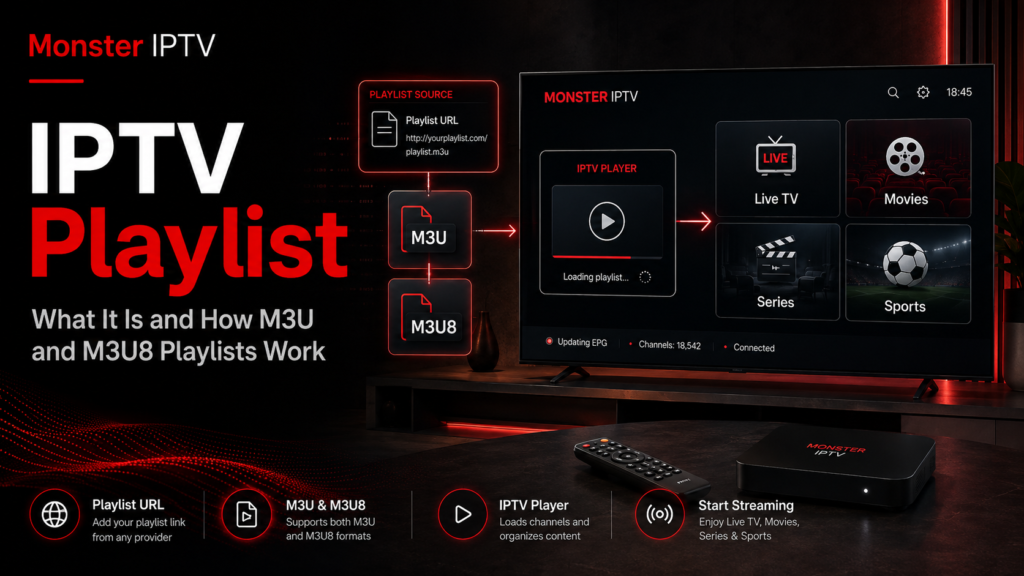
An IPTV playlist is a file or web address that tells a compatible IPTV player where to find streams and how to organize them. It commonly uses the M3U or M3U8 format and may contain channel names, stream URLs, groups, logos, and information used to match channels with an Electronic Program Guide (EPG).
The playlist itself is not normally the video. Instead, the IPTV app reads the playlist and connects to the stream addresses listed inside it. This distinction is useful when setting up IPTV on a Smart TV, Android device, computer, Apple TV, or another compatible player.
What Is an IPTV Playlist?
Think of an IPTV playlist as a directory for a media player.
A simple playlist can tell an app:
- the name of a channel
- where the stream is located
- which category it belongs to
- which logo to display
- which EPG identifier should be associated with it
A common IPTV playlist begins with #EXTM3U. Individual entries may then use #EXTINF to describe a channel, followed by the address of the corresponding stream.
A simplified example looks like this:
#EXTM3U
#EXTINF:-1 group-title="News",Example News
https://example.com/live-stream
In a real IPTV setup, there may be many entries organized into categories such as live TV, sports, news, entertainment, or regional content.
Public projects such as iptv-org also demonstrate the same basic principle: a playlist can contain links that users open through a compatible live-streaming player rather than storing the video files themselves.
M3U vs M3U8: What Is the Difference?
M3U and M3U8 are closely related playlist formats, but they should not be treated as completely different technologies.
M3U
M3U is a text-based playlist format originally developed for media playlists. IPTV applications commonly use extended M3U files because additional tags can describe channels and related metadata.
A file may use an .m3u extension or be provided as an online M3U URL.
M3U8
M3U8 refers to an M3U-style playlist encoded in UTF-8. This makes it suitable for international text, including Swedish characters such as å, ä, and ö.
M3U8 is also widely associated with HTTP Live Streaming, or HLS. Apple’s HLS documentation explains that an HLS index file uses the M3U8 format and can list media segments that a player retrieves in sequence.
This creates an important distinction:
- An IPTV M3U or M3U8 file may list several separate TV stream URLs.
- An individual M3U8 URL can itself be an HLS playlist describing the media segments for one stream.
So, an IPTV M3U8 playlist does not always mean exactly the same thing as an HLS media playlist, even though both use related playlist syntax.
How Does an IPTV Playlist Work?
When you add a playlist to an IPTV app, the player reads the entries and builds its interface from the information it finds.
The process usually looks like this:
- The IPTV player receives an M3U or M3U8 file or URL.
- It reads the channel names and stream addresses.
- It organizes channels into categories if group information is available.
- It may load logos and EPG information.
- When you select a channel, the player connects to the corresponding stream.
This means that the player, playlist, EPG, and actual stream are separate parts of the setup.
If you want to understand which apps and devices can be configured for IPTV, Monster IPTV provides separate IPTV installation guides for different players and platforms.
How to Upload an IPTV Playlist
The exact steps depend on your IPTV player, but the general method is similar across many apps.
Look for an option such as:
- Add Playlist
- Add M3U
- Playlist URL
- Load Playlist
- Add Source
- Import File
If you received a playlist URL:
- Open the playlist section in your IPTV app.
- Choose the M3U or playlist URL option.
- Paste the complete URL.
- Give the playlist a recognizable name if requested.
- Save it.
- Allow the application time to load and organize the entries.
If you have a local .m3u or .m3u8 file, choose the file import option instead, provided that your app supports local playlist files.
Do not change characters inside a playlist URL unless your provider specifically tells you to do so. Private URLs can contain account or access information, so avoid publishing or sharing them publicly.
For device-specific instructions, use the relevant guide rather than assuming every Smart TV or IPTV player has identical menus.

How to Create an IPTV Playlist
You can create a basic M3U playlist yourself when you have stream URLs that you own or are authorized to use.
Open a plain-text editor and begin with:
#EXTM3UThen add an entry:
#EXTINF:-1 group-title="Sweden",Example Channel
https://example.com/stream
For additional channels, repeat the #EXTINF line and stream URL.
IPTV playlists can also contain metadata such as:
tvg-id
tvg-name
tvg-logo
group-title
For example, group-title can organize entries into folders, while tvg-id can help an IPTV player associate a channel with EPG data.
Save the file with an .m3u extension, or use UTF-8 encoding when preparing an M3U8-style playlist.
Creating the file is the easy part. The important requirement is that you have permission to access and use the streams referenced by it.
How to Download an IPTV Playlist
There are several legitimate ways an IPTV playlist may be supplied.
An IPTV service may provide:
- a downloadable M3U file
- an M3U URL
- an M3U8 URL
- login details that allow the app to retrieve channel information without exposing a playlist directly
If you receive a URL, you often do not need to download anything manually. Many IPTV players can read and refresh the playlist directly from that address.
If you want a local copy of a playlist you are authorized to use, follow the download or export option provided by the service or playlist owner.
Be careful with websites offering random “free IPTV playlist downloads”, especially where premium sports, paid television, movies, or subscription channels are offered without clear information about licensing.
Are IPTV Playlists Legal in Sweden?
The playlist format itself is simply a technical method of organizing media addresses. Whether using a particular playlist is lawful depends on the streams it points to and whether the necessary rights or permissions exist.
Sweden’s Patent and Registration Office, PRV, explains that unauthorized streaming services involve copyrighted content made available without permission from the relevant rights holders.
Therefore, an M3U file is not automatically legal or illegal just because it exists online.
For users in Sweden, the safer approach is to consider the source of the content. A playlist containing your own streams, authorized streams, or legitimate publicly distributed channels is fundamentally different from one offering subscription television without permission.
A public URL alone should not be treated as proof that someone has the right to redistribute the content.
IPTV Playlist vs EPG
An IPTV playlist and EPG perform different jobs.
The playlist identifies the channels and their stream locations. The EPG provides programme information such as:
- current programme
- upcoming programmes
- start and end times
- programme titles
- descriptions, when supplied
The tvg-id value inside an M3U playlist can help a player match a channel to the corresponding entry in the EPG.
If channels work but the programme guide is empty, the playlist may be functioning correctly while the EPG source or matching information needs attention.
You can also review Monster IPTV’s general IPTV FAQ when troubleshooting common setup questions.
Common IPTV Playlist Problems
The playlist does not load
Check that the URL was copied completely and that there are no accidental spaces or missing characters.
Channels appear but do not play
A channel entry can remain inside a playlist even if the underlying stream has moved, expired, or become unavailable.
Swedish characters display incorrectly
Encoding can be the cause. UTF-8 based M3U8 files are better suited to international characters.
Categories are missing
The playlist may not contain group-title metadata, or the player may organize groups differently.
The EPG is wrong
Check whether the playlist’s tvg-id information matches the EPG source being used.
The playlist shows different channels after refreshing
A remotely hosted playlist can change when its owner updates the source. The player may download the newest version each time it refreshes.
FAQ
What is an IPTV playlist?
It is a text-based file or URL containing stream locations and related information that an IPTV player uses to build a channel list.
Is M3U the same as M3U8?
They are closely related. M3U8 uses UTF-8 encoding and is also the standard playlist format widely used by HLS streaming.
Can I create my own IPTV playlist?
Yes. You can create an M3U file with a text editor if you have media or stream URLs that you are authorized to use.
How do I upload my IPTV playlist?
Open your IPTV player’s playlist section, select the M3U URL or local file option, enter or import your playlist, then save and allow it to load.
Does an IPTV playlist include the EPG?
Not necessarily. A playlist may include information used to match channels with an EPG, but the actual programme guide can come from a separate source.
Conclusion
An IPTV playlist is essentially the bridge between an IPTV player and the streams it needs to organize and play. M3U remains a widely used playlist format, while M3U8 adds UTF-8 encoding and is central to technologies such as HLS. Once you understand the difference between the player, playlist, stream, and EPG, setup and troubleshooting become much easier. If you are exploring IPTV options and setup information for Sweden, you can learn more through Monster IPTV.
