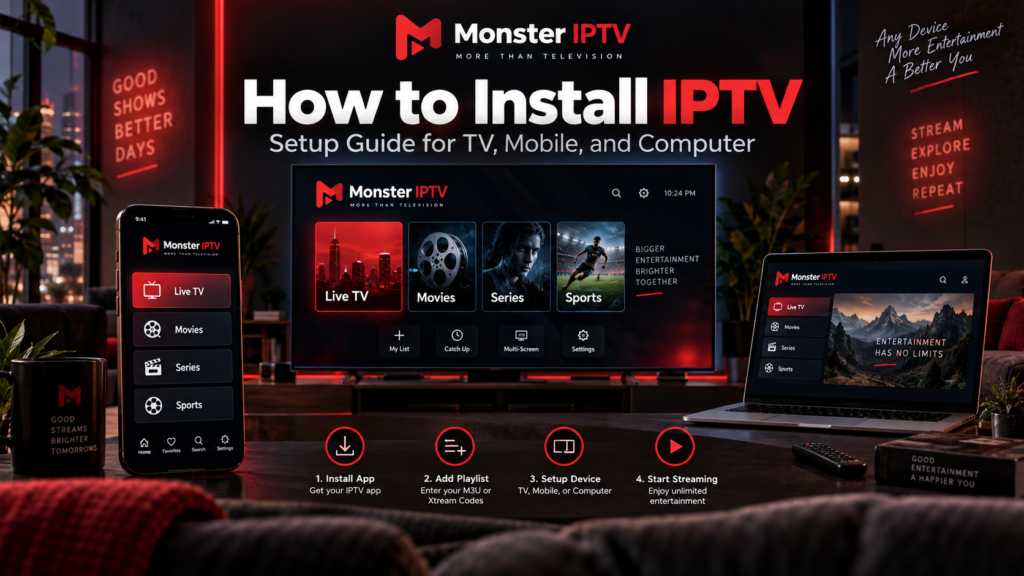
Learning how to install IPTV is easier when you understand the three things involved: a compatible device, an IPTV player, and an authorized source of television streams. Most setups involve installing an app, entering an M3U playlist or account credentials, and loading the channel list. The exact process depends on whether you use a Samsung […]
The short answer to is Netflix IPTV is no, not in the usual technical and television-industry sense. Netflix delivers video over the internet, but it is primarily an over-the-top streaming service built around subscription video on demand. IPTV traditionally refers to television services delivered over managed IP-based networks, often with live channels, programme guides, and […]
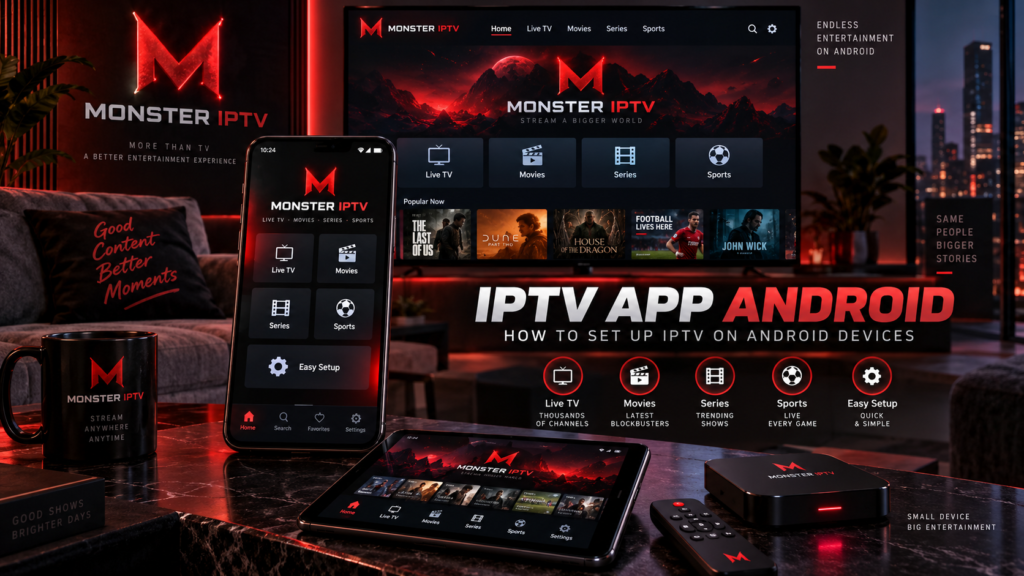
An IPTV app Android setup can work on Android phones, tablets, Android TV, Google TV, and compatible Android boxes. The basic process is usually similar: install an IPTV player, connect an authorized playlist or account, allow the channel information to load, then configure features such as the EPG and favourites. The main difference between devices […]
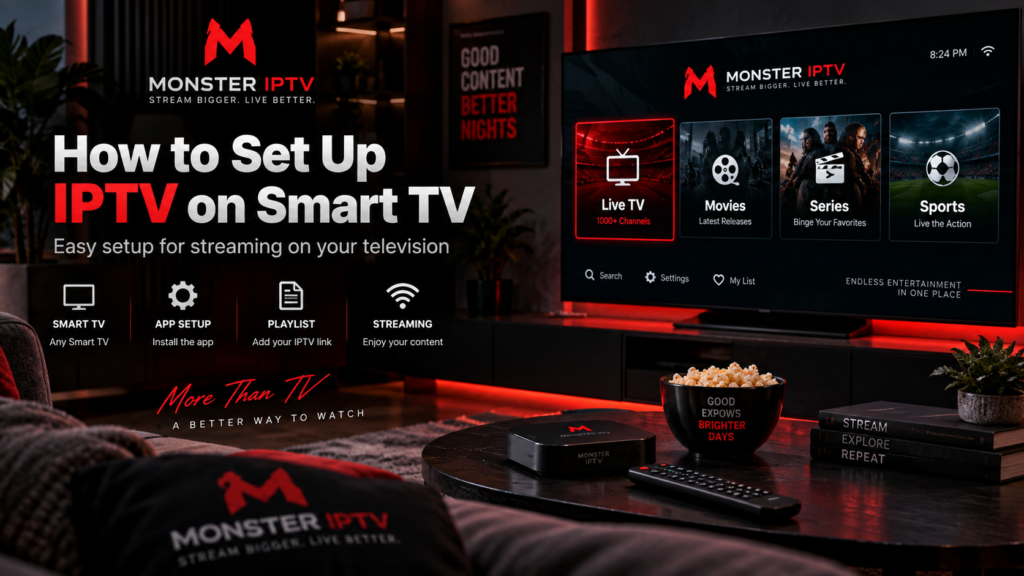
Learning how to set up IPTV on Smart TV starts with identifying your television’s operating system and choosing a compatible IPTV app. Samsung, LG, Android TV, and Google TV do not all use the same app store or support the same IPTV players. In most cases, the process is straightforward: connect the TV to the […]
An IPTV trial gives you a chance to test a service before committing to a longer IPTV subscription. A useful trial should help you answer practical questions: Does it work on your device? Are the streams stable on your internet connection? Does the EPG load correctly? Are the channels you actually want available? A trial […]
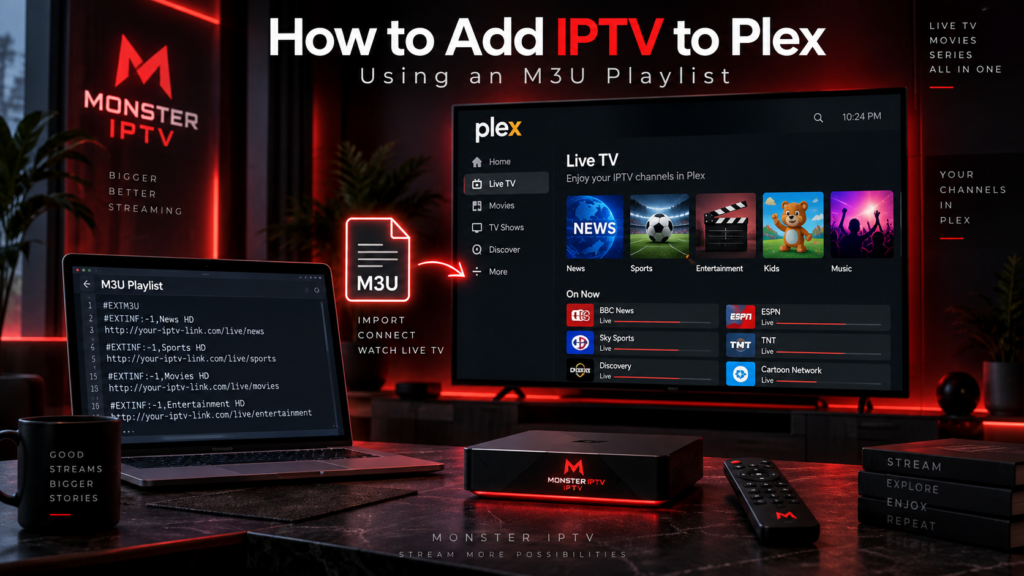
If you want to know how to add IPTV to Plex, the most important point is that Plex does not provide a normal option where you simply paste an M3U playlist into the app. Plex’s Live TV system is designed around tuner devices. To use an M3U IPTV playlist with Plex, you therefore need a […]
Choosing the right IPTV app depends on the device you use, the playlist or login format supplied by your IPTV service, and the features you actually need. There is no single best IPTV app for every Smart TV, Android device, iPhone, Apple TV, Firestick, or computer. For users in Sweden, the most important checks are […]
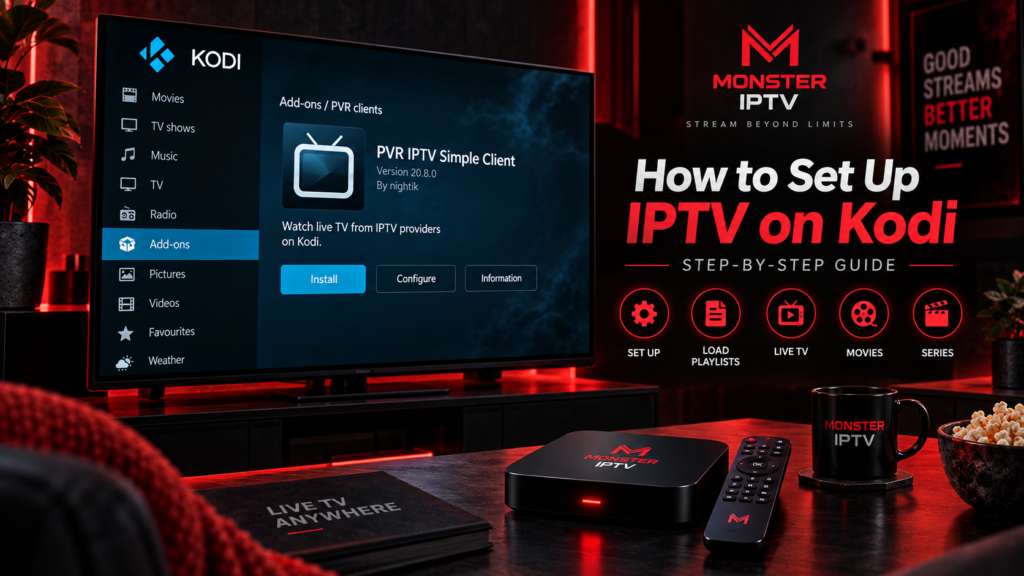
If you want to know how to setup Kodi IPTV, one of the simplest methods is to use Kodi’s official PVR IPTV Simple Client. The add-on can load an M3U playlist for live TV and XMLTV data for an Electronic Program Guide, or EPG. Kodi then displays the streams inside its normal TV interface. You […]
IPTV 4K means watching IPTV content delivered at or around Ultra HD resolution, typically 3840 × 2160 pixels. But seeing “4K” in a channel name does not automatically guarantee true 4K picture quality. The source stream, bitrate, compression, frame rate, IPTV player, streaming device, television, and internet connection all affect what you finally see on […]
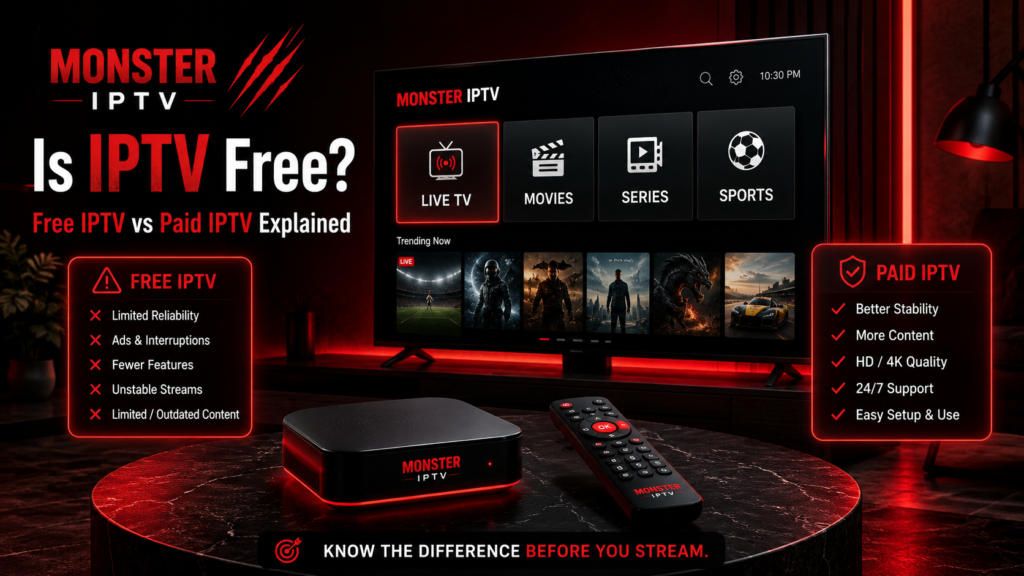
Is IPTV free? Sometimes, but IPTV itself is neither free nor paid. IPTV is simply a technology for delivering television and video over internet networks. Some IPTV-based services are available without a separate subscription, while others require monthly or fixed-term payment. The important distinction for viewers in Sweden is between a free IPTV player, free […]
